

Assignment 4_4: Typography_Text, Lines, Shapes, and Image
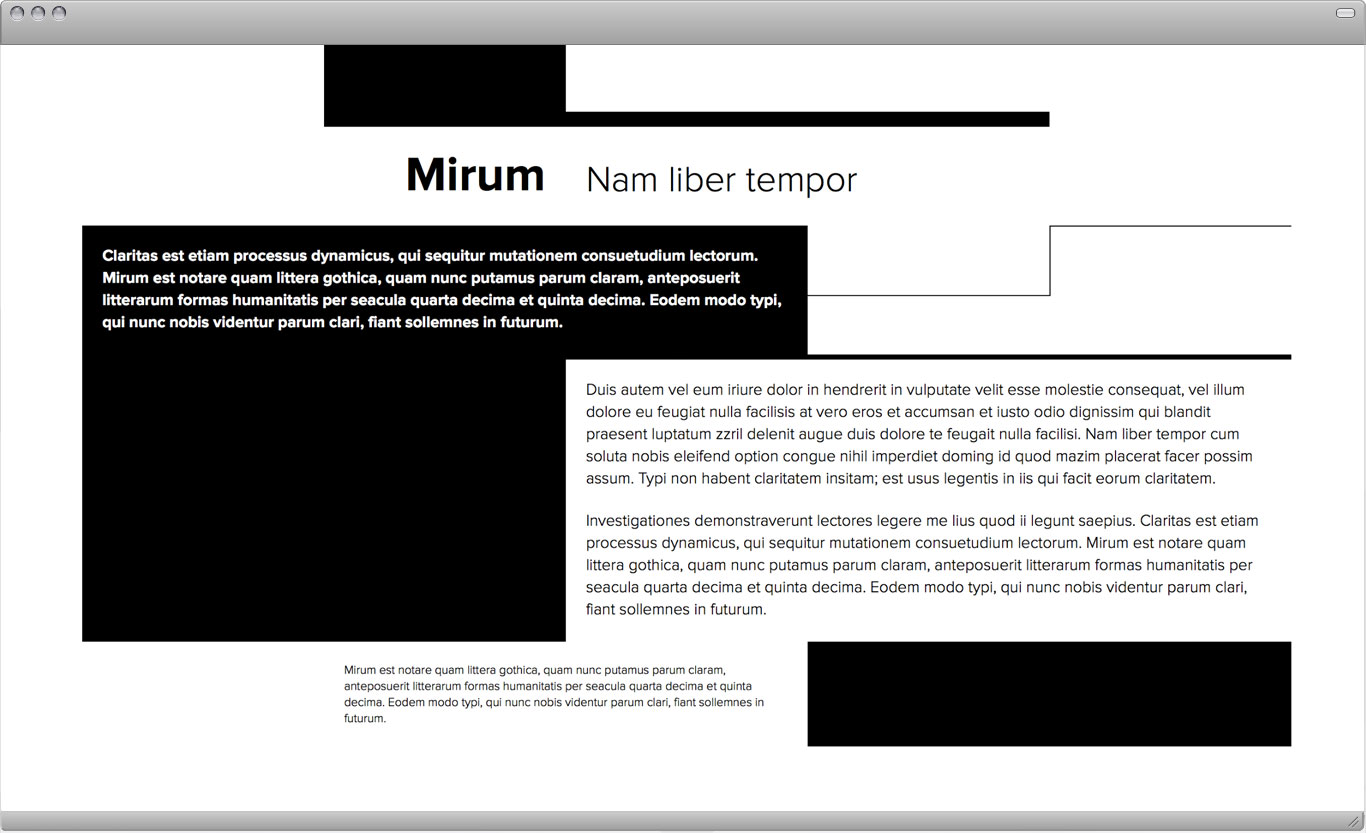
Start with one of the compositions from the last assignment (4-3). Together we will decide which composition to proceed with. The goal of this next assignment is to continue to shift or reinforce the already established visual hierarchy. A textural photographic image can also be used to help organize your content. You may use or alter the importance of the content by adding an image to existing black or white shapes/spaces. An image can also drastically shift the balance and activity of the page. You may change the text to white for black backgrounds.
Fixed: Use existing composition, type should not be moved, lines and shapes may be
edited out but not added. One single texture image is used for all compositions.
Variables: Image placement, cropping, size, and quantity.
Goal: Reinforce visual hierarchy with image, shift balance/activity,
or shift hierarchy.
Task: The main design question is, how many ways can I change my primary
composition? Create 5 compositions.
Due: November 1
Example

Further Reading:
Texture
Texture is the tactile grain of surfaces and substances. Textures in our environment help us understand the nature of things: rose bushes have sharp thorns to protect the delicate flowers they surround; smooth, paved roads signal safe passage; thick fog casts a veil on our view.
The textures of design elements similarly correspond to their visual function. An elegant, smoothly patterned surface might adorn the built interior or printed brochure of a day spa; a snaggle of barbed wire could stand as a metaphor for violence or incarceration.
In design, texture is both physical and virtual. Textures include the literal surface employed in the making of a printed piece or physical object as well as the optical appearance of that surface. Paper can be rough or smooth, fabric can be nubby or fine, and packaging material can be glossy or matte. Physical textures affect how a piece feels to the hand, but they also affect how it looks. A smooth or glossy surface, for example, reacts light differently than a soft or pebbly one.
Many of the textures that designers manipulate are not physically experienced by the viewer at all, but exist as optical effect and representation. Texture adds detail to an image, providing an overall surface quality as well as rewarding the eye when viewed up close.
—Emil Ruder
Whether setting type or depicting a tree, the designer uses texture to establish a mood, reinforce a point of view, or convey a sense of physical presence. A body of text set in Garamond italic will have a delicately irregular appearance, while a text set in Univers roman will appear optically smooth with even tonality. Likewise, a smoothly drawn vector illustration will have a different feel from an image taken with a camera or created with code.
As in life, the beauty of texture in design often lies in its poignant juxtaposition or contrast: prickly/soft, sticky/dry, fuzzy/smooth, and so on. By placing one texture in relation to its opposite, or a smart counterpart, the designer can amplify the unique formal properties of each one.
—Ellen Lupton